Log every workday and follow pay period performance in real time.
Built for onboard crew
Contracts, tips, pay periods, and spending. Finally in one place.
Crewzeno is a calm, premium tracker for onboard life. Keep every contract, daily tip, incentive, expense, goal, and report organized with clarity.
- No account required
- One-time Pro upgrade
- Designed for real onboard workflows
Keep onboard costs visible without losing contract context.
Review archived contracts, summaries, and progress over time.
Inside the app
A product built around the way crew actually work.
Real screens from Crewzeno, organized around the flows that matter most on board.
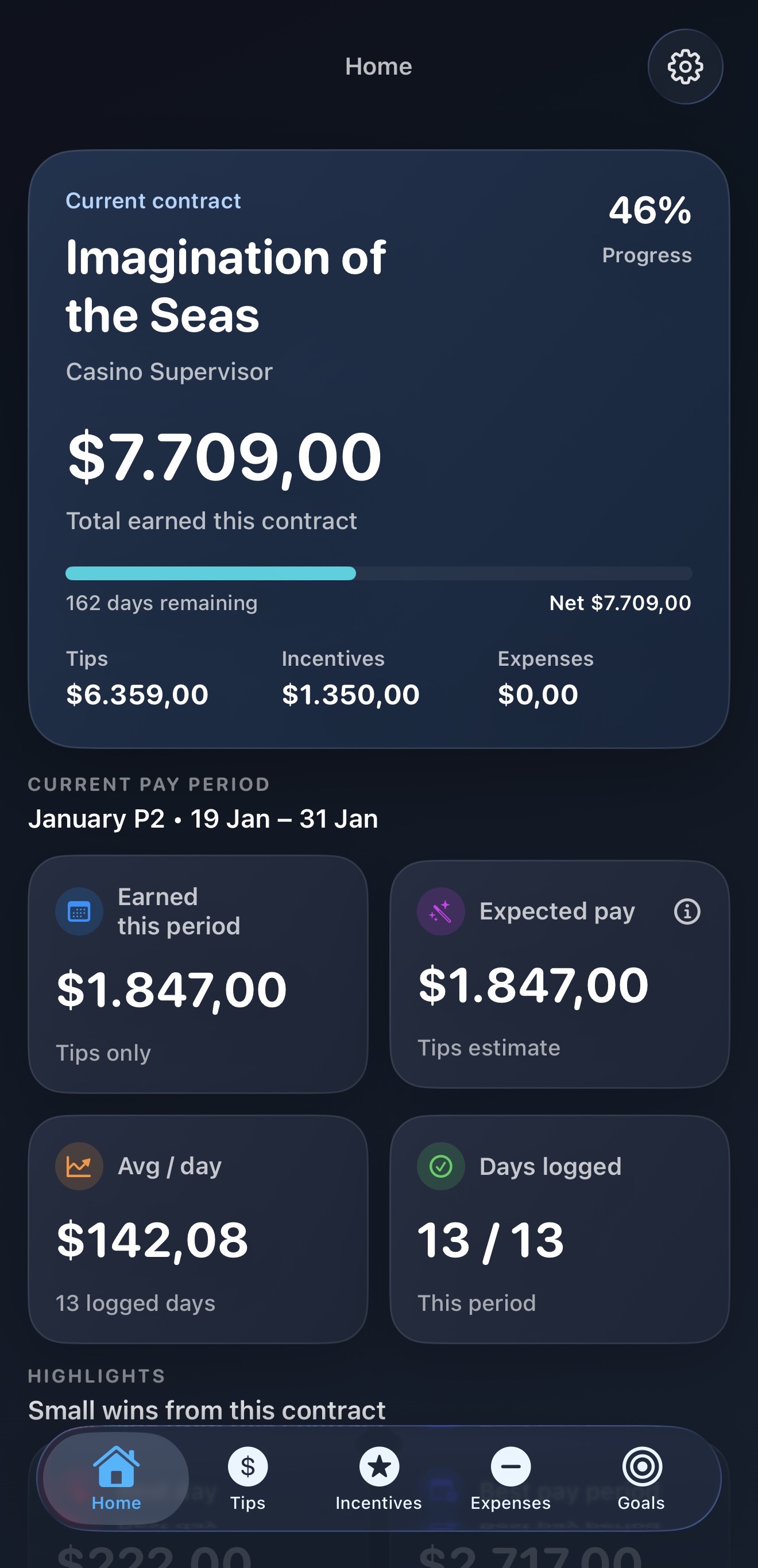
Home
See the contract at a glance
Current contract progress, total earned, current pay period, average per day, and highlights in one calm dashboard.
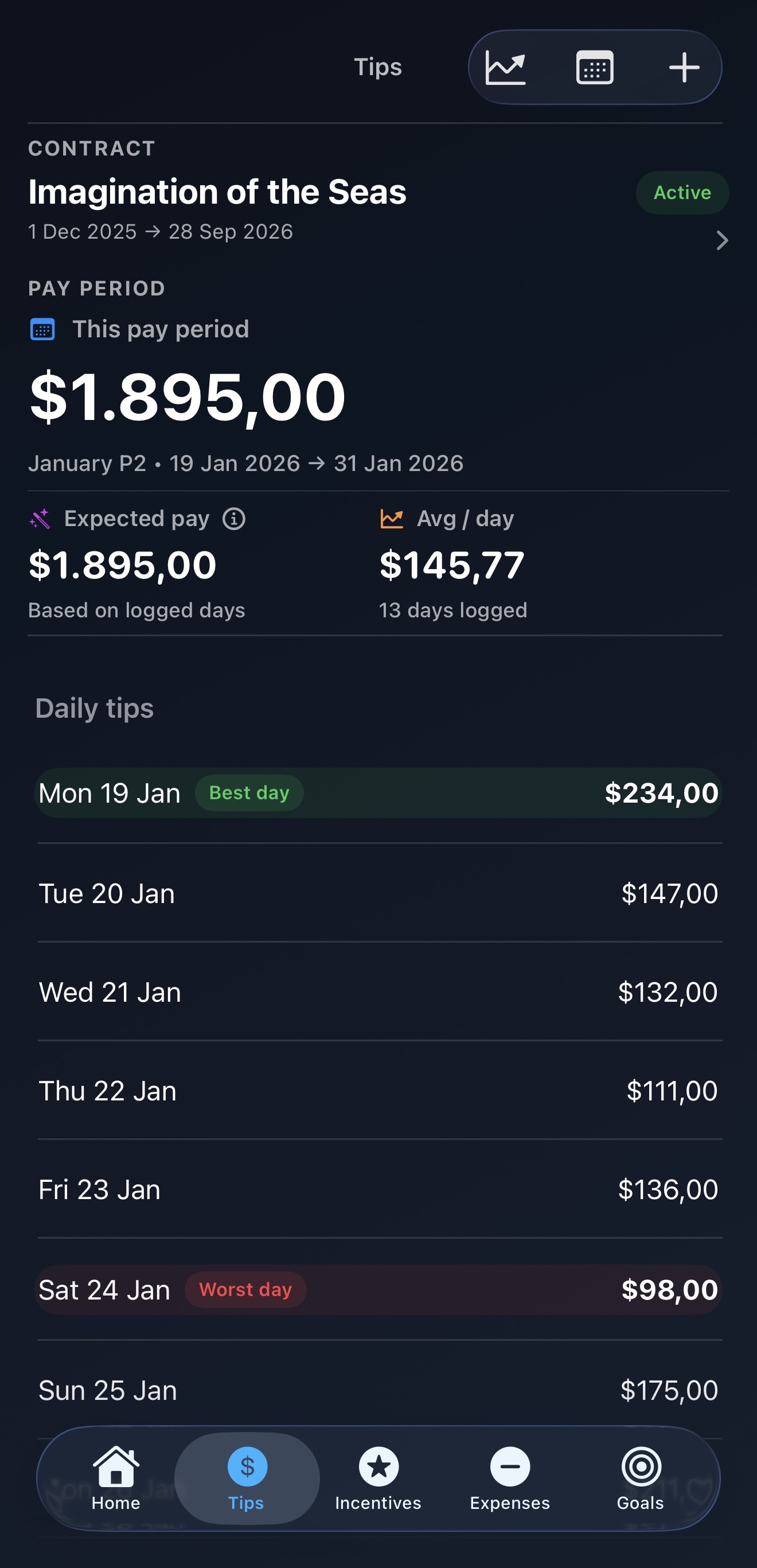
Tips
Track daily earnings by pay period
Review expected pay, best and worst days, and each logged workday in one clean flow.
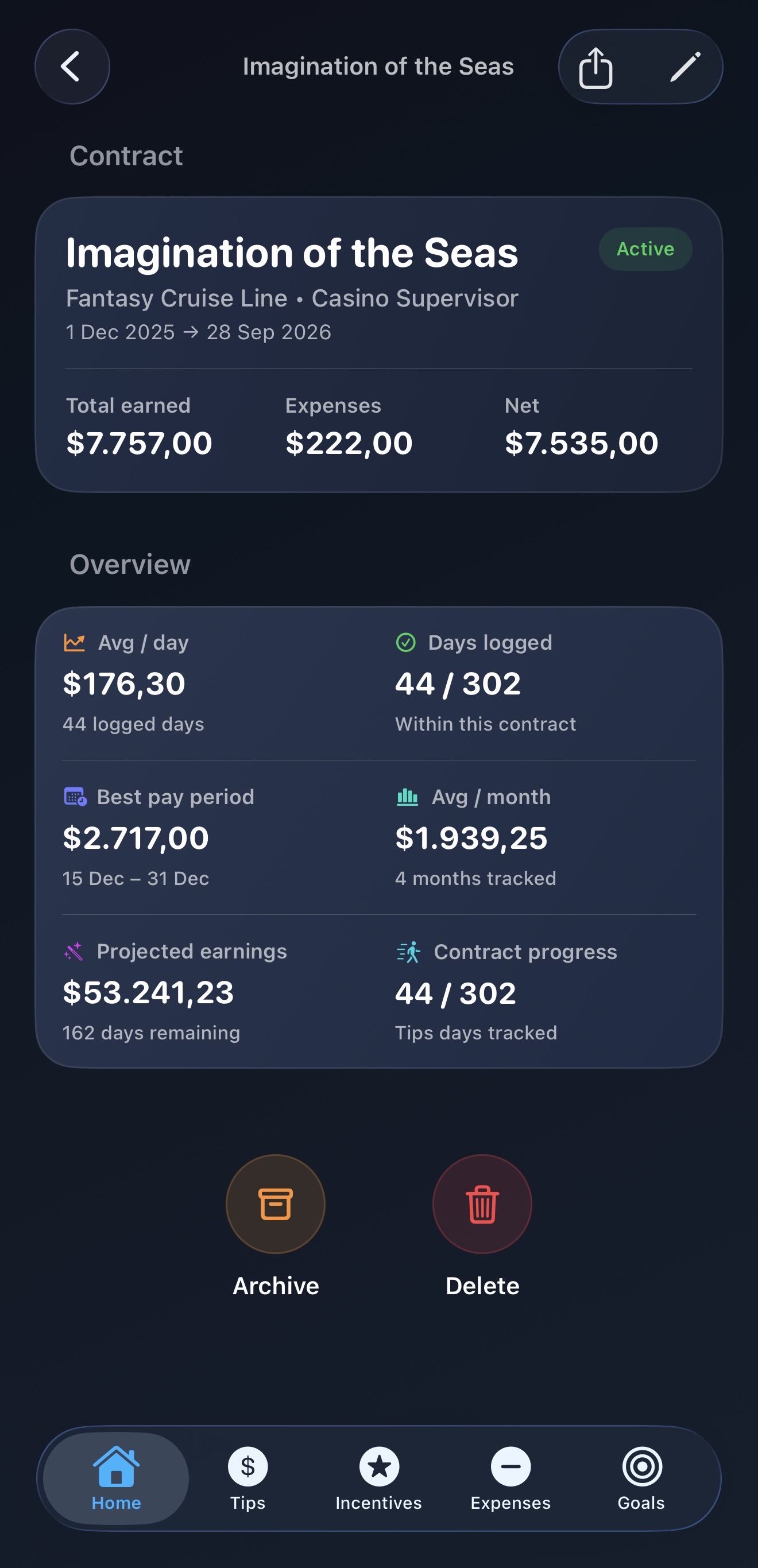
Contract Details
Review the full picture
Net earned, projected earnings, contract progress, best pay period, and more in a detailed contract view.
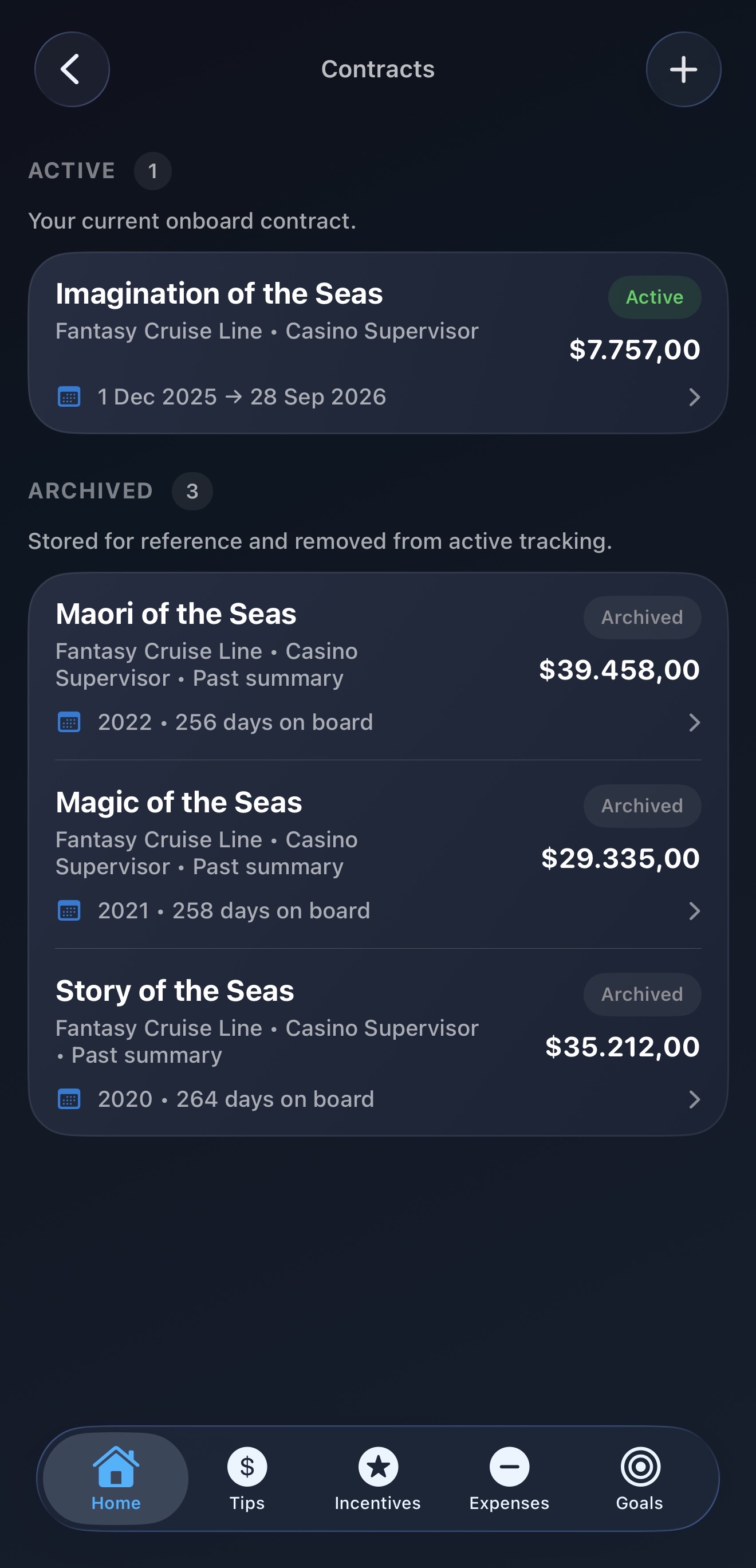
Contracts
Keep active and archived contracts organized
Store current and past contracts in one place with a clearer long-term earnings history.
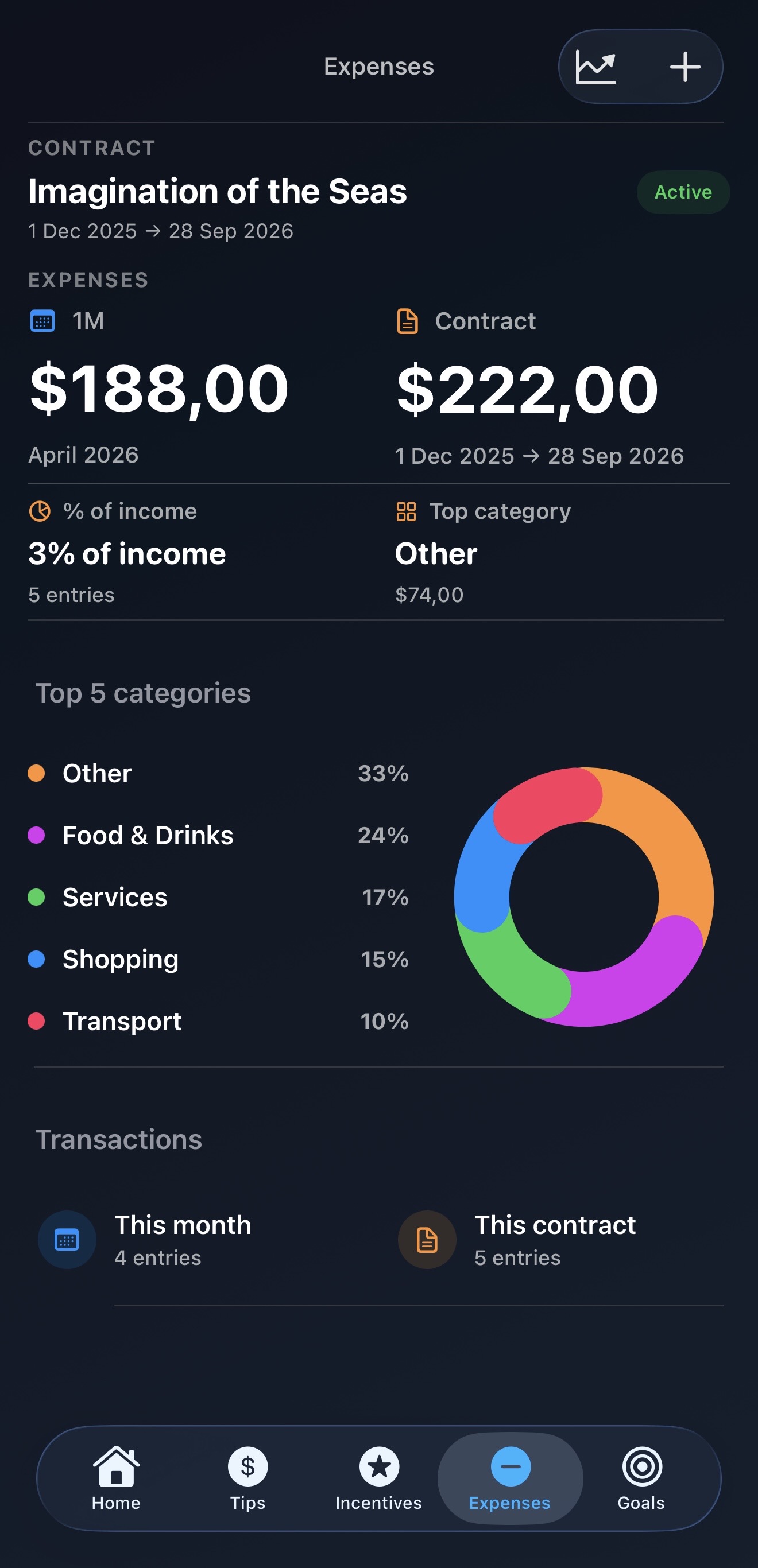
Expenses
Understand where onboard spending goes
Track category totals, recent transactions, and how spending affects contract income.
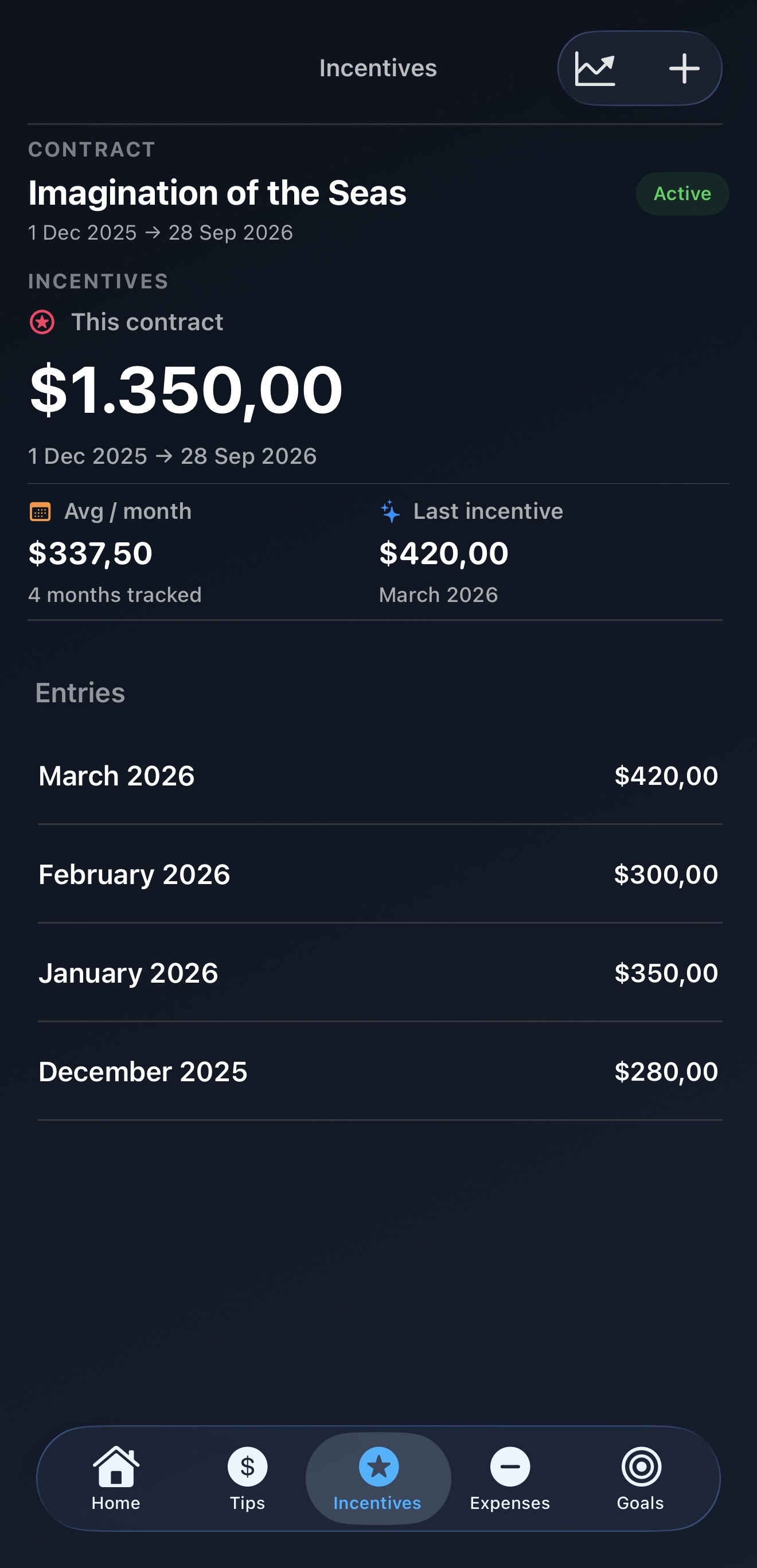
Incentives
Keep extra earnings separate and clear
Review monthly incentive entries and contract totals without mixing them into daily tips.
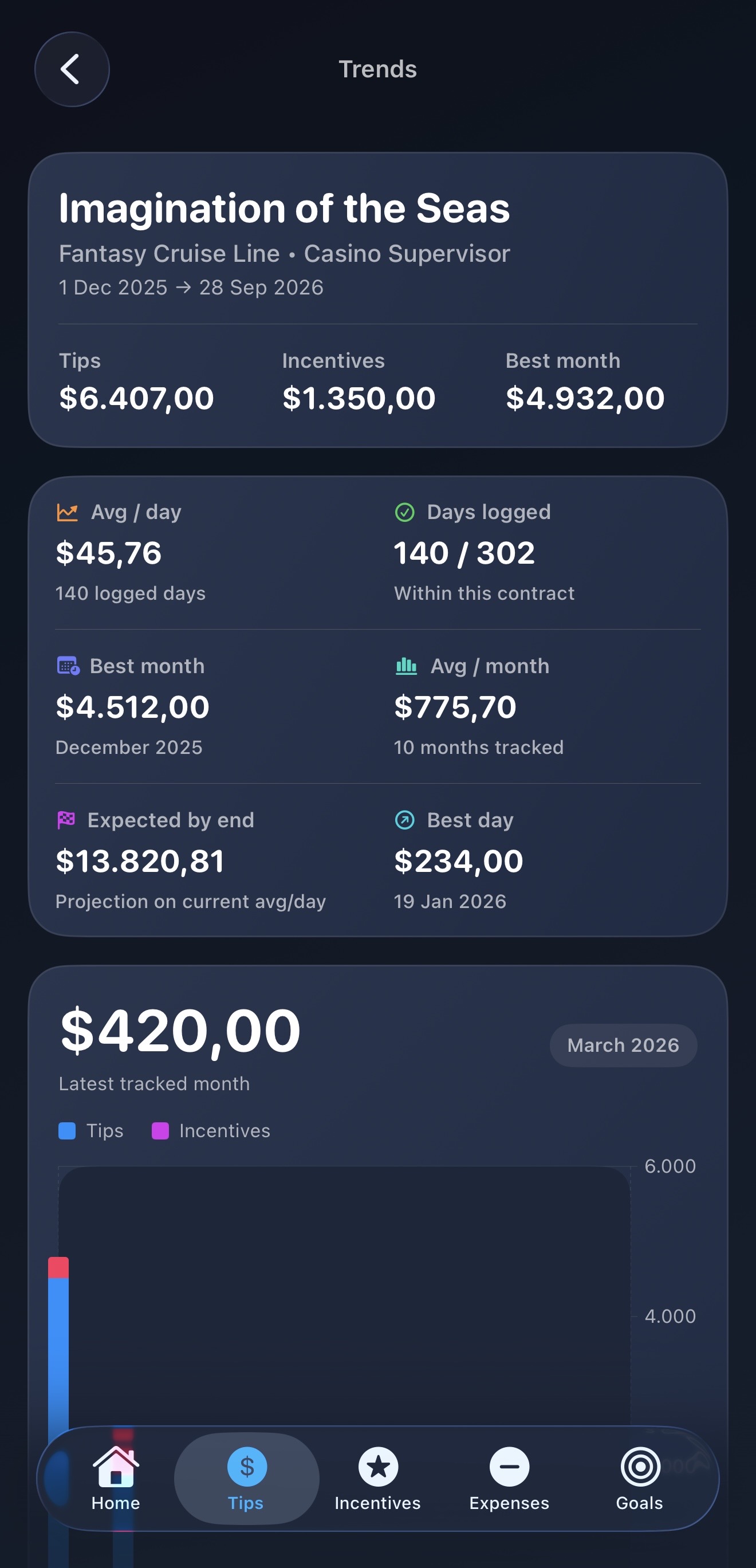
Trends
Look at progress over time
Understand pace, best periods, projections, and monthly performance with richer trends.
What it covers
Everything around the contract, not just a generic budget.
Contracts
Create, manage, archive, and review contract history with clear totals and progress.
Daily tips
Log earnings day by day, tied to real pay periods and useful contract metrics.
Incentives
Track bonuses and extra earnings separately for a more complete income picture.
Expenses
Keep onboard costs visible and connected to the same contract you are working through.
Goals, widgets, and reports
Follow progress, keep earnings visible from the Home Screen, and export polished PDF reports.
Backup and restore
Protect your history and move it between installs without turning the app into an account system.
Crewzeno Pro
One-time upgrade. No subscription pressure.
Unlock the richer parts of the experience only when they add real value.
Keep your full onboard history in one place.
Track longer contracts without artificial limits.
Review richer pacing, monthly performance, and summaries.
Keep key contract numbers visible from the Home Screen.
Generate clean reports you can keep, review, or share.
Protect your data and move it between installs.
Essential links